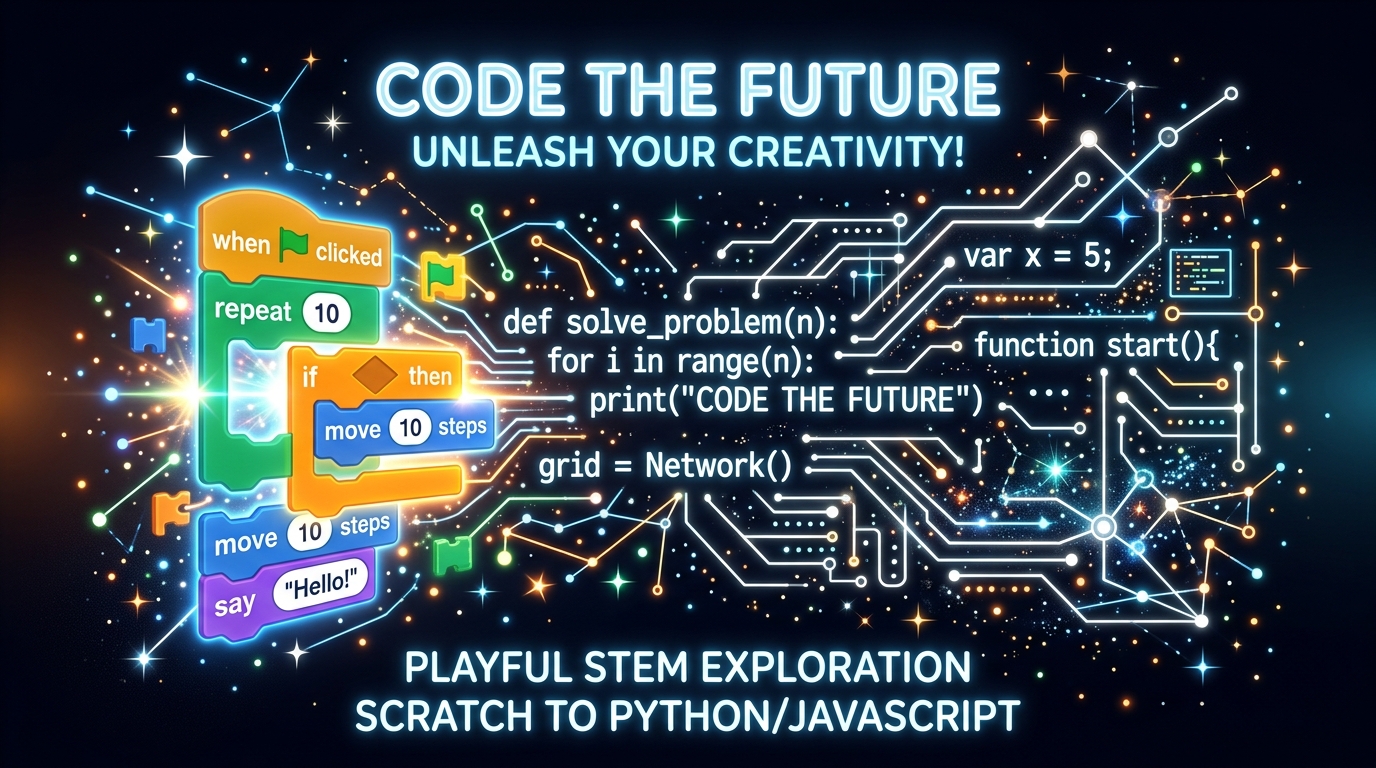
If you are looking to enroll your child in coding classes, you have probably run into terms like "block-based coding" and "text-based coding." Choosing the correct entry point can shape your child's attitude towards computer science for years to come.
Many modern online platforms start children immediately in syntax-heavy environments, causing frustration. Conversely, keeping kids in block coding environments for too long can stall their analytical progression. In this ultimate parent's guide, we will outline the direct differences, pros, cons, and exactly when to transition your child to text-based scripting.
What is Block-Based Coding?
Block-based coding uses visual drag-and-drop elements that look like puzzle blocks. Developed by MIT with platforms like Scratch and ScratchJr, this system removes typing speed, spelling, and strict syntax rules (such as brackets or semicolons) from the learning equation.
Children focus entirely on learning the underlying logic: sequence structures, variables, repeat loop states, and event listeners. If two blocks fit together, the code runs. If they do not, the child knows instantly without reading cryptic error files.
Key Advantages:
- No Typing Barriers: Perfect for ages 5-9 who are still developing mechanical typing agility.
- Immediate Visual Feedback: Moving a block moves a cartoon cat, keeping engagement extremely high.
- Zero Syntax Errors: Boosts confidence, bypassing spelling hurdles.
What is Text-Based Coding?
Text-based coding is the way professional software engineering works. Programs are written in actual characters and letters, following the strict rules of programming languages like Python, JavaScript, or HTML/CSS.
Here, spelling, casing, punctuation, and indentation are critical. A missing comma or an unclosed parenthesis will stop the code from executing. While it has a steeper learning curve, it has infinite flexibility, letting students build database-connected web apps, artificial intelligence agents, and highly customized 3D gaming worlds (like Lua scripts in Roblox Studio).
Direct Comparison: Block vs. Text
| Metric | Block-Based Coding | Text-Based Coding |
|---|---|---|
| Typical Ages | Ages 6–10 | Ages 10–18+ | Explore our coding classes for kids
| Languages | Scratch, Blockly, ScratchJr | Python, JavaScript, Lua, HTML/CSS |
| Key Focus | Logic, patterns, simple structures | Complex algorithms, syntax rules, data |
| Career Application | Foundational concept building only | Directly applicable to software engineering |
When Should Your Child Transition?
At ABCCoders, we utilize a data-driven model to guide transitions. Keeping kids in block coding for too long leads to boredom, whereas pushing them to text coding too early leads to frustration.
We suggest evaluating these key readiness indicators:
1. Mechanical Typing Speed
Text coding requires kids to type brackets, quotes, and punctuation rapidly. If your child can type about 15-20 words per minute without looking at their hands constantly, they are ready to type real code lines in Python or JavaScript.
2. Mastery of Basic Loops and Logic
If your child can explain what a conditional statement does (e.g. "If score reaches 10, then show victory screen") and knows how to use variable state counts in Scratch, they have maxed out block logic. The transition to text will feel natural.
3. Boredom with Scratch Limits
If your child says, "Scratch is too simple, I want to build a real game like Roblox or an app that runs on my iPad," they have hit the limits of visual canvases. Their motivation to learn real-world scripting is at an all-time high!
How ABCCoders Personalizes the Journey
Unlike competitors who push a rigid standard curriculum on every child, ABCCoders uses certified computer science graduates to evaluate your child's cognitive milestone level during our Free 1-on-1 Demo Class.
We align our educational paths dynamically. If a child is 9 years old but has zero experience, we might start them with an accelerated block-coding bootcamp for 4 sessions before moving to Python syntax. If they are ready, they transition directly to text.
Find Your Child's Coding Milestone Today!
Book a free, personalized 60-minute trial session where our expert teachers will test your child's coding logic and recommend the perfect next step.
Book Free Demo Slot